Identity & Security · 9 min read
Microsoft Entra Conditional Access: A Practical Implementation Guide
Context-aware identity security that doesn't lock out your business
Microsoft 365 security is no longer just about strong passwords. Users connect from homes, airports and customer sites — on corporate laptops, personal phones and unmanaged devices. Compromised credentials remain the primary way attackers reach company data.
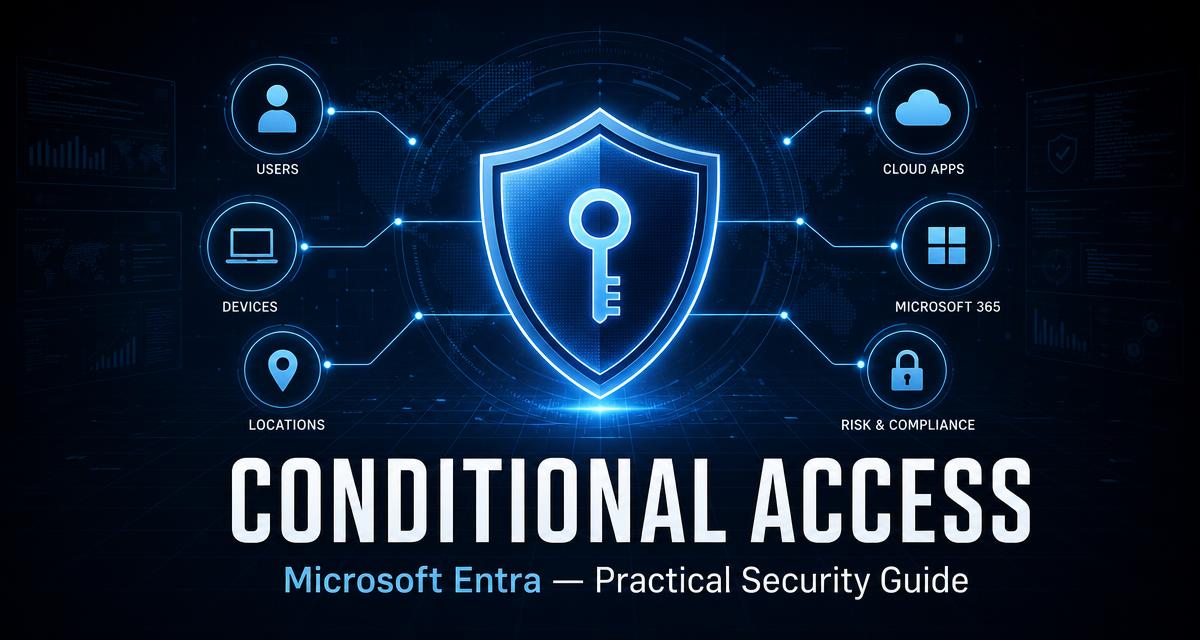
Microsoft Entra Conditional Access is the engine of your identity strategy. Instead of only asking "are these credentials correct?", Entra ID evaluates context: who is signing in, which application they're reaching, whether the device is compliant, and whether the sign-in looks risky. The result is a model that adapts per sign-in instead of applying blunt controls to every scenario.
Why passwords and basic MFA aren't enough
Credentials are vulnerable to phishing, password reuse and social engineering. If an attacker obtains a password and nothing else stands in the way, they effectively become the employee.
Conditional Access introduces additional signals. Even with correct credentials, Entra ID can demand another authentication factor, verify device compliance, restrict what the session can do, or block access outright. That's the difference between a stolen password and a successful sign-in.
Conditional Access policy examples to implement first
Protect administrators first
Require strong authentication for every Microsoft cloud resource and management portal. Give admins dedicated accounts for privileged work — not the identity they use for daily mail and browsing.
Close the legacy back door
Legacy protocols can't honour modern MFA or Conditional Access. Inventory what still depends on them, build a migration plan, and block the rest. Leaving it open indefinitely is not a plan.
Make the device a condition
With Intune compliance as a grant control you evaluate encryption, OS version and PIN complexity — the endpoint's actual security state, not just whether someone knew the password.
Design the recovery path
Break-glass accounts, excluded from standard policies, tightly monitored, used only for emergencies. Never build an access-control system without a plan for when the control itself fails.
These examples are a rollout starting point, not a tenant-independent template. If the policies already exist and the task is to verify scope, exclusions, overlap and real sign-in outcomes, use my Conditional Access policy audit checklist.
Start with administrators and legacy authentication
Administrative accounts are high-value targets, and they should not be treated like standard user accounts. A baseline policy requires strong authentication for all Microsoft cloud resources and management portals. Where practical, admins use dedicated accounts for privileged work rather than the identity they read email with.
Equally critical: close the back door. Older protocols can't support modern MFA or Conditional Access, so any application still depending on them is an exception to every policy you write. Identify those applications, plan the migration, and eliminate the weak paths — this is the same identity groundwork covered in Entra ID for SMBs.
From the field
"A technically correct security policy can still be an operational failure if hundreds of employees suddenly can't work. Don't create a policy on Friday afternoon and enable it company-wide. Pilot it, test real applications and workflows, tell people what's changing — then expand."
Intune integration: device state as an access condition
The integration between Entra ID and Microsoft Intune lets device compliance become a condition for access. You define the requirements — encryption, minimum OS version, PIN complexity — and Conditional Access enforces them at sign-in.
The evaluation flow
Instead of trusting a device because the user knew the password, you evaluate the endpoint's security state. That matters most for unmanaged devices: if employees reach corporate files from personal computers, your policy has to reflect a deliberate decision — block them, or allow browser-only access that prevents sensitive downloads. Field notes on the rollout side of this live in migrating 500 users to Intune.
The break-glass strategy: planning for failure
One of the most important parts of Conditional Access design is the recovery path. An incorrect policy can lock administrators out of their own tenant — and the tool you'd use to fix it is the tool that's blocking you.
Break-glass accounts give you a controlled way back in when authentication mechanisms fail. They should be:
- Tightly protected and actively monitored for any use.
- Reserved for emergencies only — never part of daily operations.
- Excluded from standard Conditional Access policies, so a service outage or misconfiguration can't lock out every administrator at once.
Phased Conditional Access rollout order
Discovery
Map users, service accounts, applications and existing dependencies before writing a single policy.
Emergency access
Create and actually test break-glass accounts first, so the recovery path exists before enforcement does.
Report-only mode
Measure how each policy would have affected real sign-ins. This is where you catch the unexpected blocks.
Gradual enforcement
Report-only → pilot group → department → organization. Communicate at every step, never all at once.
Test the result and monitor what changes
Report-only mode is useful only when someone reviews the evidence. Check the Conditional Access result in Entra sign-in logs, confirm which policy matched, inspect failure reasons and compare expected outcomes for normal users, administrators, guests, service accounts and unmanaged devices. Test both allowed and blocked scenarios before moving a policy to the next rollout ring.
After enforcement, monitor sign-in failures, help-desk demand, emergency-access account activity and changes to policy assignments or exclusions. Every exclusion needs an owner, a reason and a review date. Policy changes should follow the same discipline as other production changes: documented intent, peer review, a rollback path and validation after deployment.
Common pitfalls worth naming
True identity security is more than a second factor. It includes device trust, application sensitivity and privilege management — the same direction the whole discipline is heading in the IT department of 2030.
Summary
Conditional Access isn't about creating the most policies. It's about ensuring the right users access the right resources, from the right devices, under the right conditions. Start by protecting administrators, disabling legacy authentication, and maintaining a recovery strategy you have actually tested.
For help turning that implementation sequence into a documented tenant plan, see my Entra ID consulting services for MFA and Conditional Access.
FAQ
What is Microsoft Entra Conditional Access?
It is the policy engine in Entra ID that evaluates the context of every sign-in — user, application, device state, location and risk — and then grants, challenges or blocks access. It moves security beyond 'are these credentials correct?'.
Is MFA enough without Conditional Access?
No. MFA is one control. Conditional Access adds device compliance, application sensitivity, risk signals and legacy-protocol blocking, so stolen credentials alone don't produce a successful sign-in.
What is a break-glass account?
An emergency access account excluded from standard Conditional Access policies, tightly protected and monitored, used only to recover a tenant when a misconfiguration or outage locks administrators out.
How should I roll out Conditional Access safely?
Discovery first, then emergency access accounts, then report-only mode to see the impact on real sign-ins, then a pilot group, and only then organization-wide enforcement.
Should I block unmanaged personal devices?
Make it an intentional decision. Either block them, or allow limited browser-only access with app-enforced restrictions that prevent downloading sensitive files. What you must avoid is leaving it undefined.
About the author
Davor Smajilovic — 15+ years in Microsoft 365, Entra ID, Intune and enterprise IT. Writes about what actually breaks in production, not what the docs say should work. See about Davor, skills, experience, or get in touch. More field notes on the blog.
Need Conditional Access done properly?
I work with businesses in Copenhagen, across Denmark and the Øresund region on Microsoft 365, Intune, Entra ID and day-to-day IT support.