Field notes · 8 min read
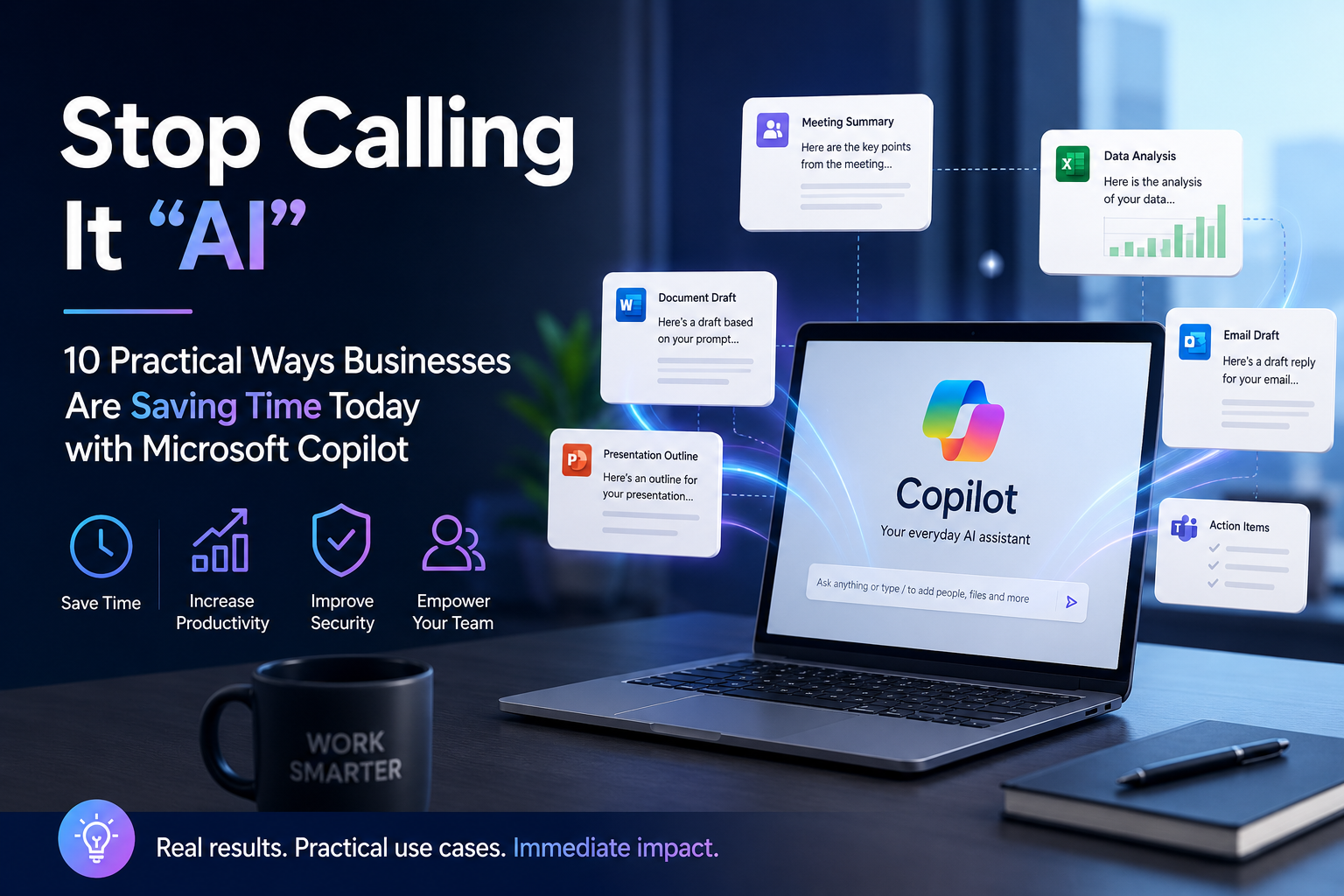
Stop Calling It "AI": 10 Practical Ways Businesses Are Saving Time Today with Microsoft Copilot
After 13+ years in IT infrastructure, I have learned to ignore the hype cycle and watch what actually happens in production. Microsoft Copilot is no different. The organisations getting value are not the ones treating it like magic; they are the ones using it for specific, repetitive tasks. Here are ten of them.
Summarise meetings and extract action items
Copilot in Teams recaps what was decided, who owns what, and what still needs follow-up. Instead of rewatching a 45-minute recording, you get a structured summary with action items you can paste straight into Planner or Loop. For recurring project meetings, this alone saves an hour per person per week.
Draft and triage Outlook email
Copilot can draft replies in your tone, shorten long threads into a one-paragraph brief, and flag messages that need urgent attention. The best use case is the 'catch-up after vacation' scenario: one prompt summarises everything that matters from the last week.
Generate first drafts of technical documentation
Give Copilot in Word a few bullet points from a change request or incident review and it produces a coherent first draft. It is not ready to publish without review, but it removes the blank-page problem and gives you a structure to edit rather than write from scratch.
Turn rough notes into SOPs
Standard operating procedures are critical for IT support consistency, but tedious to format. Paste meeting notes or a screen recording transcript into Word, ask Copilot to convert it into a numbered SOP with roles, prerequisites and verification steps, and you have a usable draft in minutes.
Analyse and visualise data in Excel
Copilot in Excel handles natural-language requests like 'show me the top five recurring ticket categories by region' or 'highlight any month-over-month drop greater than 10 percent'. It writes formulas, suggests pivots, and explains the result. The value is speed of insight, not replacing the analyst.
Write and explain scripts
For IT operations, Copilot can draft PowerShell, Graph API calls, or Bash snippets from a plain-English description. More importantly, it can explain an inherited script line by line, which is often the bigger time saver when taking over a legacy environment.
Speed up ticket resolution
Copilot for Service, or even base Copilot with a well-organised knowledge base, can summarise long ticket threads, suggest next steps, and draft customer-facing updates. First-line support teams spend less time reading history and more time solving the current issue.
Build presentations from a brief
Drop a Word brief or a set of bullet points into PowerPoint with Copilot and you get a structured deck with speaker notes. It still needs a human eye for design and messaging, but the structure and first draft appear in seconds, not hours.
Research and summarise long content
Copilot can summarise PDFs, web pages and internal documents. The trick is to be specific: ask for 'the three risks mentioned in this security report' rather than 'summarise this document'. Specific prompts produce useful answers; vague prompts produce vague answers.
Standardise shift handovers
Use Copilot to turn a stream of Teams messages, ticket notes and monitoring alerts into a clean handover summary. It extracts open incidents, escalations and next-shift priorities so nothing falls through the cracks between shifts.
FAQ
Is Microsoft Copilot safe for sensitive business data?
Copilot for Microsoft 365 respects your existing Microsoft Graph permissions, so it can only access what the user already has rights to see. That means governance is the real control: clean up over-sharing, apply sensitivity labels, and enable DLP before a broad rollout.
Which Copilot feature saves the most time?
Meeting recap in Teams is usually the fastest win because it turns a long synchronous call into a short asynchronous summary. Email drafting and SOP generation are close seconds, depending on the role.
Do users need training to get value from Copilot?
Yes. Copilot is not mind-reading. The best results come from users who learn to write specific prompts, verify outputs, and iterate. A one-hour prompt workshop typically pays for itself within a week.
Can Copilot replace IT staff?
No. It removes repetitive work so IT staff can focus on judgement, architecture, and customer interaction. The organisations that get the most value treat Copilot as a productivity multiplier, not a headcount reduction tool.
What is the best way to start with Copilot in a small business?
Start with a small pilot of power users, focus on one or two apps (Teams and Outlook are common), and measure time saved. Fix data governance issues as they appear, then expand by department.
Key takeaways
- Copilot delivers the most value on repetitive, well-defined tasks like meeting recap, email drafting and documentation.
- Specific prompts beat vague prompts every time. Tell Copilot the format, audience and constraints.
- Governance still matters. Copilot amplifies your existing Microsoft 365 permissions, good or bad.
- Start with a small pilot, measure time saved, and expand once users understand how to verify outputs.
- Copilot is a productivity multiplier, not a replacement for judgement, design or human interaction.
Related reading: About Davor, Technical skills, Case studies and experience, and work with me.
Want to put Microsoft Copilot to work in your business without the governance headaches?
Let's talk →